01
No cloud
Scanning, hashing, filtering and copying happen on your own PC. Your file content is never uploaded.
Recovered thousands of files—or inherited years of messy backups? OCSU maps them locally, surfaces the unique files you may have forgotten, identifies byte-identical duplicates and creates a clean copy without touching the originals.
OCSU separates verification from copying, so you can understand the collection before creating a safer, cleaner output.
Scanning, hashing, filtering and copying happen on your own PC. Your file content is never uploaded.
The source is never deleted, renamed or moved. OCSU writes only to the destination you choose.
SHA–256 identifies byte-identical content. OCSU does not guess whether two files are the same.
Choose recovered files, an old drive or a mixed backup.
OCSU inventories and hashes the files locally.
Search, filter and inspect unique files and exact duplicates.
Select all suitable files or only the rows you need.
Create a new collection while the source remains untouched.
Place an older backup and a newer collection inside the selected source. OCSU inventories them in one local pass, separates byte-identical duplicates from unique content, and lets you choose what should be copied to a separate destination. The originals stay unchanged.
Human logic. Your rules.

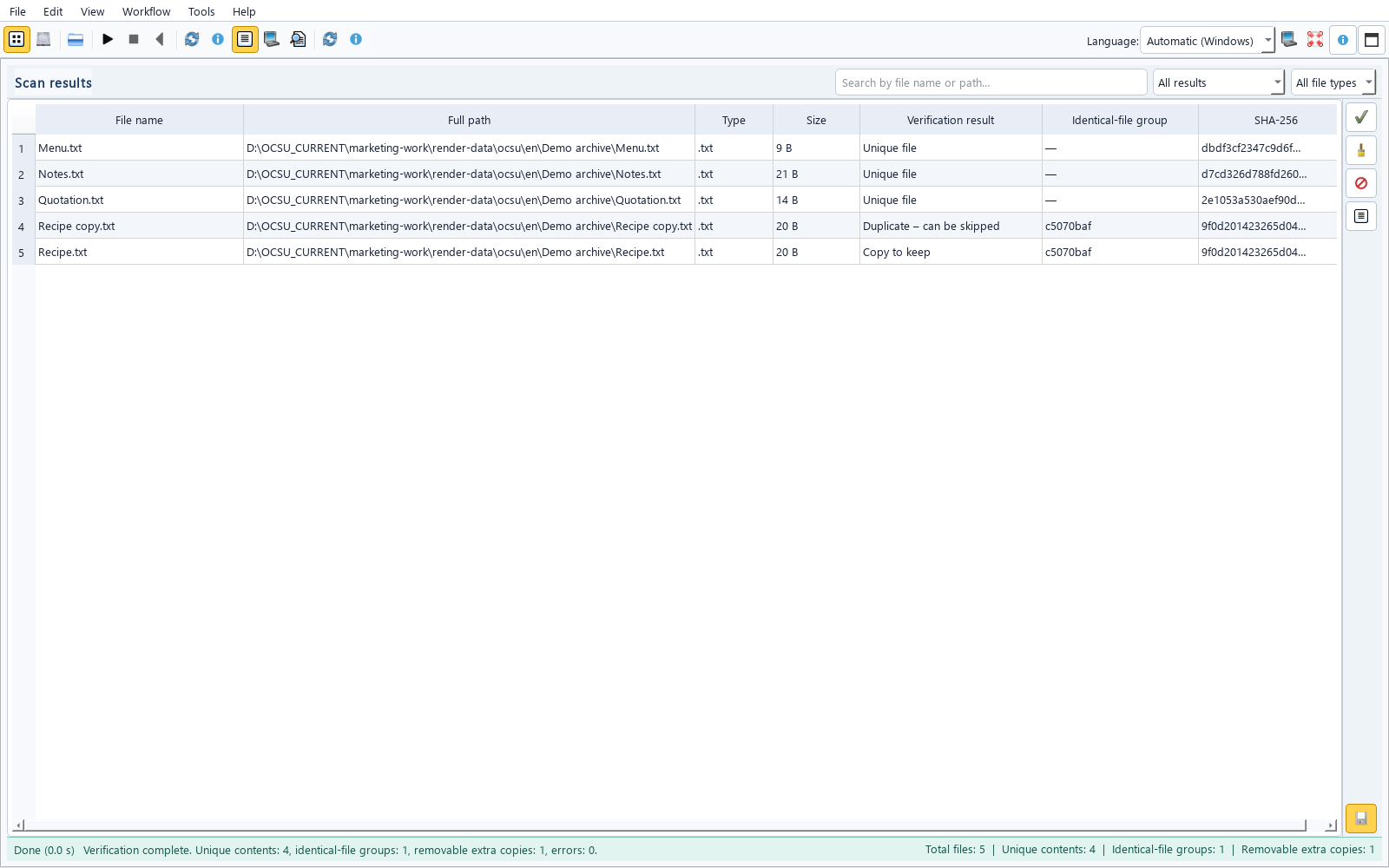
A real screenshot of the OCSU 0.3.12 English interface after a scan. Results can be searched and filtered by outcome and file type.
In one real collection, OCSU identified 2,696 byte-identical extra copies among 11,321 source files. This is a reference case, not a universal speed guarantee.
One application, two modes. OCSU Free 0.3.12 is available now. OCSU Full can be purchased securely through Stripe; after verified payment, the licence and download link are emailed automatically.
Evaluate the complete workflow on a meaningful collection.
No subscription. No file-count limit.
OCSU began with a request that sounded simple: sort it out. But being organised means different things to different people. Working through the resulting file chaos led to a practical method: inventory first, identify identical content, then create a verified copy in a separate destination. The originals stay in place.
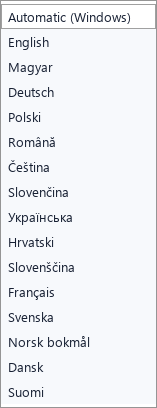
OCSU 0.3.12 keeps the original files unchanged, supports 15 interface languages, includes clear history removal, improved feedback flow, file-type filtering and the Modo mascot.
No. The source folder is read-only from the workflow’s perspective. OCSU creates copies only inside the separate destination you select.
No. File verification and SHA–256 calculation run locally. OCSU V0.3.12 does not upload file contents and does not use generative AI.
Files whose bytes produce the same complete SHA–256 fingerprint. It is content evidence, not a filename or visual similarity guess.
Yes—if the file is present in one of the folders or drives you select. OCSU inventories the collection and lets you search names and paths while distinguishing unique files from exact duplicate copies. It does not recover deleted files.
No. OCSU works with files that are already present—for example, after a separate data-recovery process.
The current release is usable and available today. Early Access means OCSU is still being actively improved; the Founders Edition includes the current features and Early Access updates described in the purchase terms.
No. Verification and signed licence validation run locally. Internet is only needed to open the purchase and download pages; your files and their contents remain local.
OCSU Free 0.3.12 is available for Windows now.
OCSU 0.3.12 on demonstration data: five files contain one exactly identical pair and three further unique files. Select an image to enlarge it.